Secrets AI Video Generator: How It Works, Quality, and Cost
Most AI companion platforms offer static images. A smaller number offer voice. Almost none offer what Secrets AI built: the ability to take a companion image and generate a short video clip from it using a text prompt. This feature is the clearest technical differentiator Secrets AI has over the majority of its competitors — and it is worth examining honestly rather than simply celebrating.
This guide covers the complete mechanics of video generation: the step-by-step workflow, what the output actually looks like, how the Moments cost structure works across different clip lengths, and which platforms in this space can genuinely compete on video. The full platform review gives the broader context. The pricing page covers the complete Moments cost architecture.
What Is the Secrets AI Video Generator?
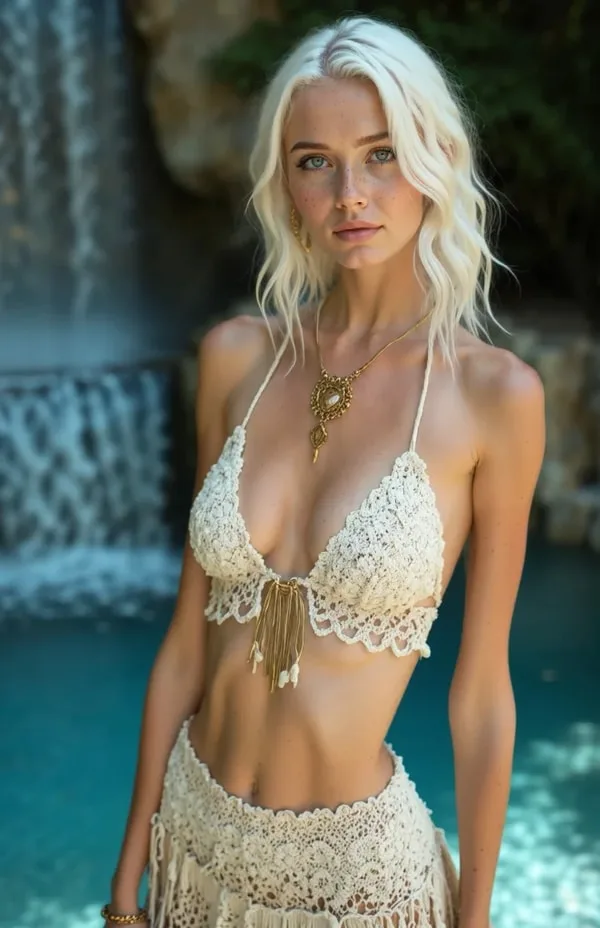
The video generator is a feature that converts AI companion images into short animated video clips using a text-based motion prompt. You select or generate an image of your companion, describe what you want the character to do, and the platform renders a video clip approximately 2 minutes later.
This capability is unusual in the AI companion market. Character.AI — the most established AI companion platform globally — does not offer video generation. CrushOn AI does not. Janitor AI does not. Candy AI offers limited video, though less developed than Secrets AI's implementation.
The video generator is available from the Lite tier ($5.99/month) and above. Free users cannot access it regardless of their Moments balance.
Stable Diffusion and similar deep learning image generation architectures underpin the visual quality in the companion image library that feeds into video generation — the higher the quality of the source image, the better the video output tends to be.
The Workflow: How Video Generation Works
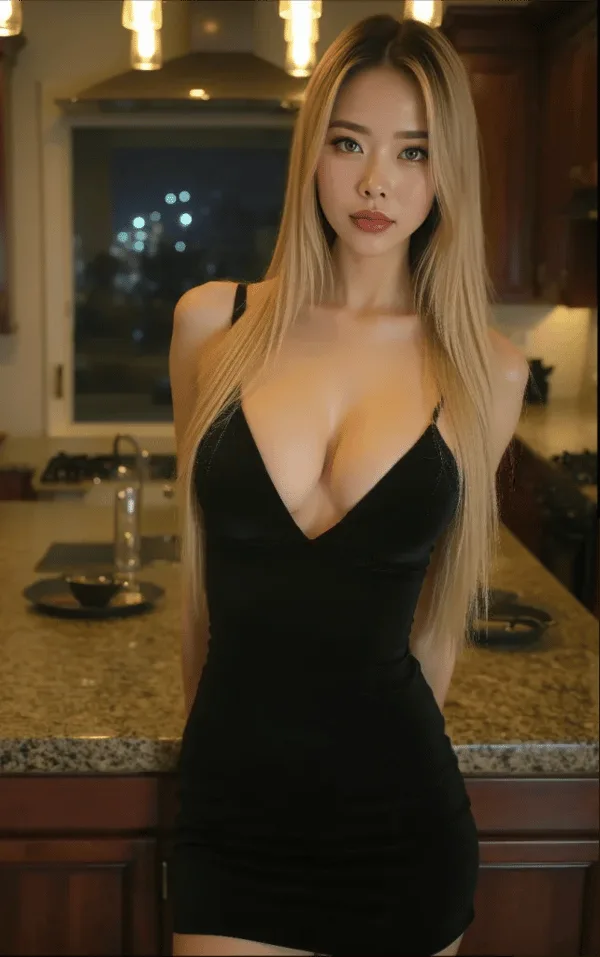
The process has four steps:
Step 1: Generate or select an existing companion image as the source frame. The video will animate from this base. Using a recently generated high-quality image as the source produces better output than older or lower-quality images.
Step 2: Write a text prompt describing the desired motion, action, or expression. Specific, concrete prompts ("hair moving in wind, slight head tilt, soft smile") produce more predictable results than abstract descriptions ("look beautiful"). Keep prompts specific but not overly complex — very long prompts can produce inconsistent outputs.
Step 3: Submit the request and wait approximately 2 minutes for generation. During this window, you can continue using the chat interface. The video processes in the background.
Step 4: View the completed clip. Save it if you want to keep it — saved clips remain in your account history.
The video is context-aware: it reflects the companion's established appearance and visual style, maintaining consistency with their character design rather than producing a generic animation.
Video Quality: What the Output Actually Looks Like
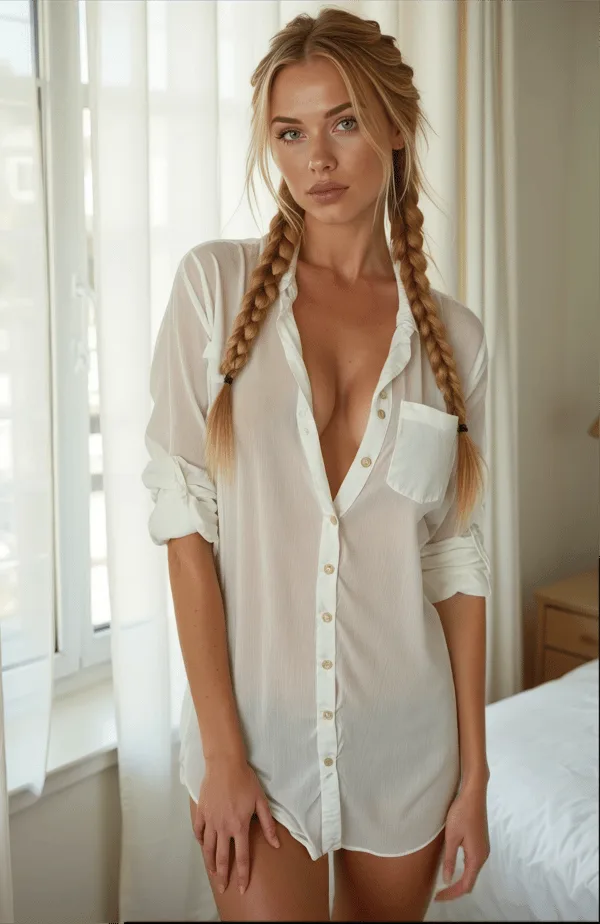
Video quality is rated 4.1/5 by independent reviewers — strong for this category, with specific notes on what works well and where variation occurs.
What works well:
- Natural character movement and fluid motion in most outputs
- Facial expressions that match the prompt intent
- Consistent character appearance from the source image
- Good performance on simple motion prompts (head turns, hair movement, subtle expressions)
- Realistic rendering quality on Premium/Advanced generation model
Where variation occurs:
- Complex multi-action prompts can produce inconsistent motion sequences
- Prompt ambiguity translates to unpredictable output — specificity matters
- Quality varies slightly between the standard and Premium/Advanced generation models
- Outputs are short clips, not continuous scene animation
The practical advice from testing: start with simple, specific motion prompts for your first few generations to establish what the system does well. Build complexity from a baseline of successful outputs.
The Cost Architecture: How Much Do Videos Cost in Moments?
This is the most important section for anyone budgeting their usage. Video is the most Moments-intensive feature on the platform.
| Clip Type | Moments Cost |
|---|---|
| Short clip (3 seconds) | ~50 Moments |
| Standard clip | ~300 Moments (estimate, varies) |
| Full-length clip | ~600 Moments |
For comparison, text messages cost 1–2 Moments and standard images cost 25–50 Moments. A single full-length video clip costs the same as approximately 12–24 images or 6 minutes of voice calls.
Video budget by subscription tier:
| Plan | Moments/month | Short clips (50M) | Full clips (600M) |
|---|---|---|---|
| Lite | 1,000 | ~20 | ~1–2 |
| Plus | 3,000 | ~60 | ~5 |
| Premium | ~8,800 (with bonus) | ~176 | ~14 |
| Ultimate | ~17,250 (with bonus) | ~345 | ~28 |
Key insight: If video generation is your primary use case, the Lite and Plus tiers feel constrained for regular use. Premium ($19.99) provides meaningful video budget (~14 full clips or ~176 short clips per month). Ultimate ($39.99) effectively doubles that for heavy creators.
Additional Moments bundles are purchasable at any tier, starting at 1,980 Moments for $5.99 — useful for augmenting video capacity without upgrading subscriptions.
Video vs Images vs Voice: The Media Cost Comparison
| Feature | Moments Cost | Output | Best Use Case |
|---|---|---|---|
| Text message | 1–2 | Conversation response | Everyday chat |
| Standard image | 25 | Static image | Character exploration |
| Premium image | 50 | Higher-quality static | Saving/sharing quality shots |
| Short video (3 sec) | ~50 | Brief motion clip | Quick motion test, reaction clips |
| Full video | ~600 | Longer motion clip | Full scene animation |
| Voice call | 100/min | Real-time audio | Voice interaction |
For the same 600 Moments: 1 full-length video, OR 12–24 images, OR 6 minutes of voice. Understanding this ratio helps you allocate your monthly Moments based on what you value most.
Tips for Better Video Results
From testing and reviewer guidance, these practices improve output quality:
- Use high-quality source images — video inherits the quality floor of the source image; use Premium generation model outputs as your source when possible
- Be specific in prompts — "slow hair movement, direct eye contact, slight smile" outperforms "look at the camera"
- Test with short clips first — at ~50 Moments per short clip versus ~600 for a full clip, testing a concept on a short clip before committing to full length saves significant Moments
- Keep prompts focused — one or two motion elements produce cleaner results than five simultaneous actions
- Save successful outputs — once a video is generated, save it to your account history immediately
Who Should Use the Video Generator?
Worth it if:
- Visual content is a meaningful part of how you use the platform
- You enjoy having dynamic media from your companion beyond static images
- You are on Premium or Ultimate where the Moments budget supports regular use
- You want a capability that most competing platforms simply do not offer
Not worth it if:
- You are primarily a text-based user — video is expensive relative to the rest of the platform
- You are on the Lite tier and budget is tight — 1–2 full clips per month is limited value
- You are evaluating the platform on the free tier — video generation requires a paid subscription
Best tier for video use:
- Casual/occasional video: Plus ($9.99) — ~5 full clips or ~60 short clips per month
- Regular video creation: Premium ($19.99) — ~14 full clips per month
- Heavy video creation: Ultimate ($39.99) — ~28 full clips per month
The Competitive Landscape: Who Else Offers Video?
Video generation from AI companion images is genuinely rare. Here is the verified picture of the competitive field:
| Platform | Video Generation | Notes |
|---|---|---|
| Secrets AI | Yes (full) | 50–600 Moments, ~2 min generation |
| Candy AI | Limited | Less developed implementation |
| SweetDream AI | Yes | Comparable offering |
| Xotic AI | Yes (4K, 15-sec clips) | Premium quality, shorter max length |
| CrushOn AI | No | Text + image only |
| Character.AI | No | Text only |
| Janitor AI | No | Text only |
| GirlfriendGPT | No | Text only |
The practical takeaway: if video generation from companion images is a feature you specifically want, your options narrow significantly. Xotic AI offers 4K 15-second clips, which is a meaningful quality and length advantage in video output. SweetDream AI is a comparable alternative. Candy AI's limited implementation does not match Secrets AI's depth. The alternatives comparison maps the full competitive field across all features.
FAQ
Video clip length varies by Moments cost. Short clips generated at approximately 50 Moments are 3 seconds. Full-length clips at up to 600 Moments are longer. The exact maximum clip length is not specified in public documentation. Practical usage suggests the platform is designed for short-form motion clips rather than long-form video scenes. Xotic AI offers 15-second 4K clips if longer format is a priority — that platform is covered in the alternatives overview.
No. Video generation requires at least the Lite subscription ($5.99/month). Free users cannot access this feature regardless of how their 200 starting Moments might be allocated. The Lite tier unlocks 3-second video clip generation. Full video generation (longer clips and higher quality) becomes available from the Plus tier ($9.99) upward.
Depends on your tier and clip length. On Plus (3,000 Moments): approximately 5 full-length clips (600 Moments each) or up to 60 short clips (50 Moments each). On Premium (~8,800 effective Moments): approximately 14 full-length clips or 176 short clips. On Ultimate (~17,250 effective Moments): approximately 28 full-length clips or 345 short clips. Mixed-length use falls somewhere between these extremes. Additional Moments bundles can supplement your monthly allocation at any tier.
Video quality is rated 4.1/5 by independent reviewers. The output is described as natural-looking with smooth motion and consistent character appearance from the source image. Facial expressions match prompt intent in most cases. The main variation comes from prompt complexity — simple, specific motion prompts produce more predictable and consistently high-quality results than abstract or multi-action prompts. Using a Premium generation model source image produces better video output than a standard-model image.